PTC Creo Parametric for faster and better product design

PTC Creo Parametric als 3D Designtool

  • Powerful 3D design tool
  • Efficient product design
  • Accelerate your time-to-market

Creo Parametric: Powerful 3D Design Tool

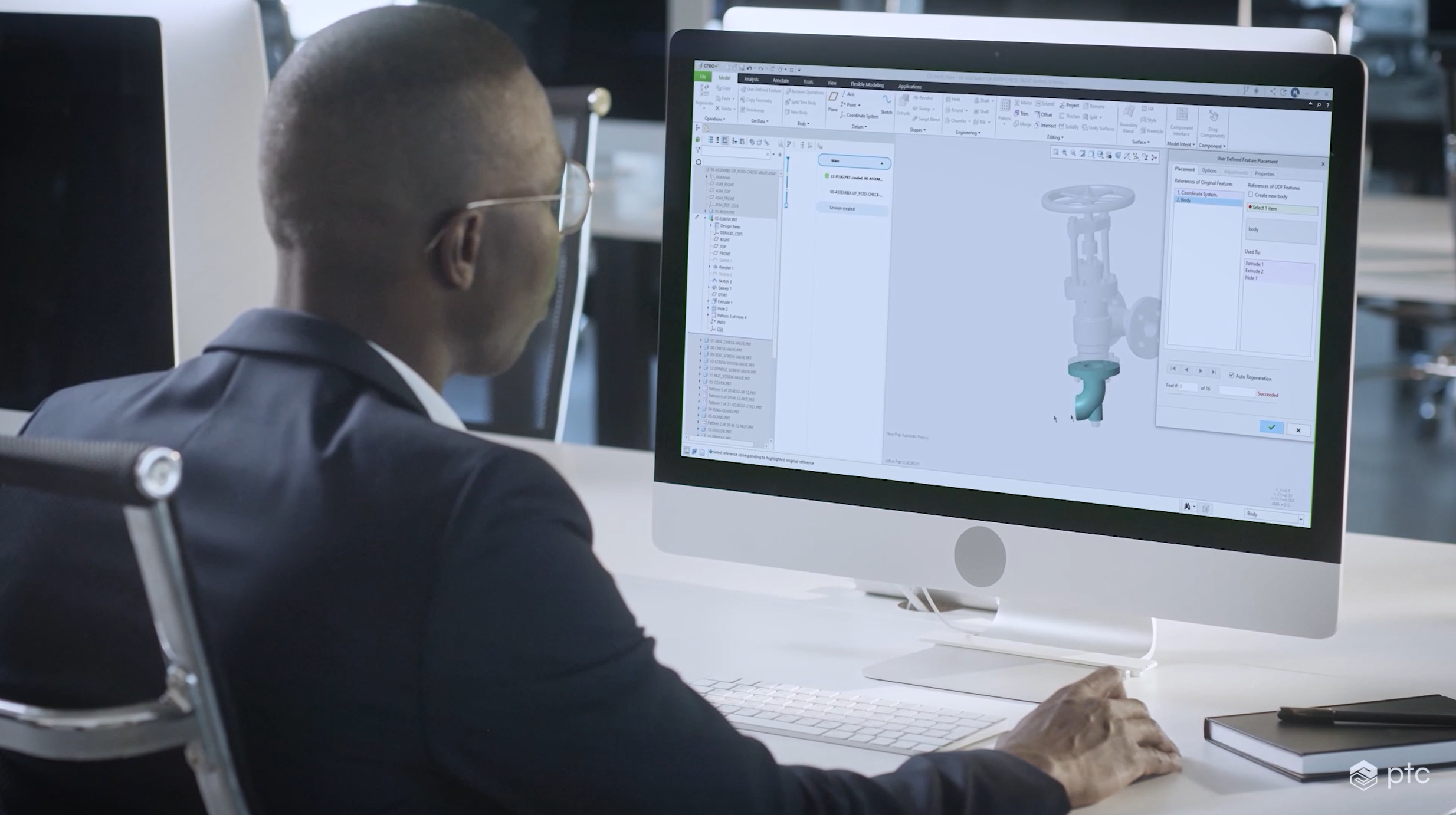
PTC Creo is the standard in parametric 3D CAD design. From the very first sketch to product design and production preparation and beyond, Creo helps you deliver better products faster. With Creo, you not only have a 3D CAD tool in hand, but a complete suite of applications that allows you to tackle every step in the design process. With the Creo Suite, every team member has the right tool to complete their tasks efficiently and accurately. And with the help of Savaco's experts, you can quickly get the most out of this powerful tool.


Creo Tips & Tricks

Expert Philip shows you some handy tips in Creo in this video series.


Creo training

From the basics to advanced workshops: find the course that helps you get more out of Creo.


Advantages of Creo Parametric

  • Integrated and scalable suite with appropriate applications for every design step
  • Efficient parametric 3D design
  • High-performance work with large assemblies
  • Develop multiple concepts and thus stimulate innovation
  • Work effortlessly with multi-CAD data
  • Avoid surprises by validating your design early in the process
  • Implement changes quickly, even late in the design process.

Powerful CAD capabilities with Creo extensions

Image
CAD
Easier collaboration with top-down design

Creo Advanced Assembly Extension

Let individual designers collaborate on complex models. With a Concurrent Engineering approach, designers can carry out their tasks in parallel within the context of the same assembly, thanks to sharing critical design information and capturing interfaces between components.

[Tip]: Getting started with Advanced Assembly? Take a course at the Savaco Academy.

Shorter time-to-market
Easier collaboration
Deriving simpler variants
Image
CAD - oranje
Create high-performance mechanisms

Mechanism design

Creo Parametric includes many features for mechanism design and motion analysis, which you can use from the start of your design process. This helps you avoid having to rework prototypes and allows you to refine your mechanism much faster. Even more capabilities for mechanism design can be found in the Creo Mechanism Dynamics Option.

Test movements in a virtual prototype
Integrated design and analysis tools for mechanisms
Shorter time-to-market, fewer errors
Image
CAD - oranje
Try different design ideas

Design Exploration Extension

With the Creo Design Exploration Extension, you can lay out different ideas side by side at the start of your design process, explore alternatives and see if you can get inspiration from existing designs. This way, Creo also provides you with maximum efficiency during the most creative phase of your product design.

Watch the video

Investigate a number of design options and their impact
Try out new design ideas
Ensure every decision
Image
CAD - oranje
Be smart in handling different CAD systems

Multi-CAD

With Creo you can open 3D models of various systems and directly edit the geometry. This allows you to work efficiently with designs in a different file format that you receive from suppliers, partners, customers...

Consolidate your CAD systems
Increase efficiency in product design
Collaborate better in a multi-CAD environment
Image
CAD - oranje
Design for connectivity

Smart Connected Design

Bring CAD and IoT closer together and optimise your designs based on usage data from the field. The Creo Product Insight Extension is fully integrated with PTC's IoT platform ThingWorx and allows you to collect usage data to make the next generation of your product even smarter.

Collect usage data about your product
Use real-time data to optimise your product
Create a digital feedback loop about your product
Image
CAD
Optimise your CAD model with the power of AI

Creo Generative Design Extension

With this Creo extension, you can quickly explore different design options based on criteria and constraints you define yourself - such as materials and manufacturing methods. This way, you reach an optimal design faster, which is also perfectly manufacturable and cost-effective.

Increase innovation
Reduce costs
Simple interface within your Creo environment
Image
CAD
Calculate and compare design options

Creo Behavioral Modeling Extension

Wouldn't it be fantastic if your CAD software automatically determined the optimal design for you? That's exactly what the Creo Behavioral Modeling Extension does for you. Creo BMX automatically analyses countless iterations of your design according to the criteria you define, helping you quickly and effortlessly create the optimal design.

Save time
Increase innovation
Understand the impact of design changes
Image
CAD
Create stylish looks for your design

Creo Interactive Surface Design Extension

Products should not only be functional and high-performing, but also visually appealing nowadays. With PTC Creo Interactive Surface Design Extension (ISDX), you can add Freeform Surfacing capabilities to the parametric power of PTC Creo Parametric.

Better Brand Recognition
More flexibility and innovation
Generate concepts faster

Compare the different Creo Design packages

Discover the possibilities of the various Creo Design packages! With this handy overview and detailed documentation, you can easily find the perfect Creo Design package that meets the specific needs of your organisation.

Creo 12

What's new in Creo 12?

The latest version of Creo 12 and Creo+ includes more than 250 improvements that help you as a designer or engineer to work faster and smarter. The focus is on productivity, collaboration and manufacturability, with new features around simulation, AI, model-based definition and production.

Designing more efficiently with MBD

Creo 12 further expands its model-based definition (MBD) with features such as export to 3D PDF and STEP AP242 edition 3. This way, you can include all product information in your 3D model. Faster, clearer and without errors.


Smarter tools for composites

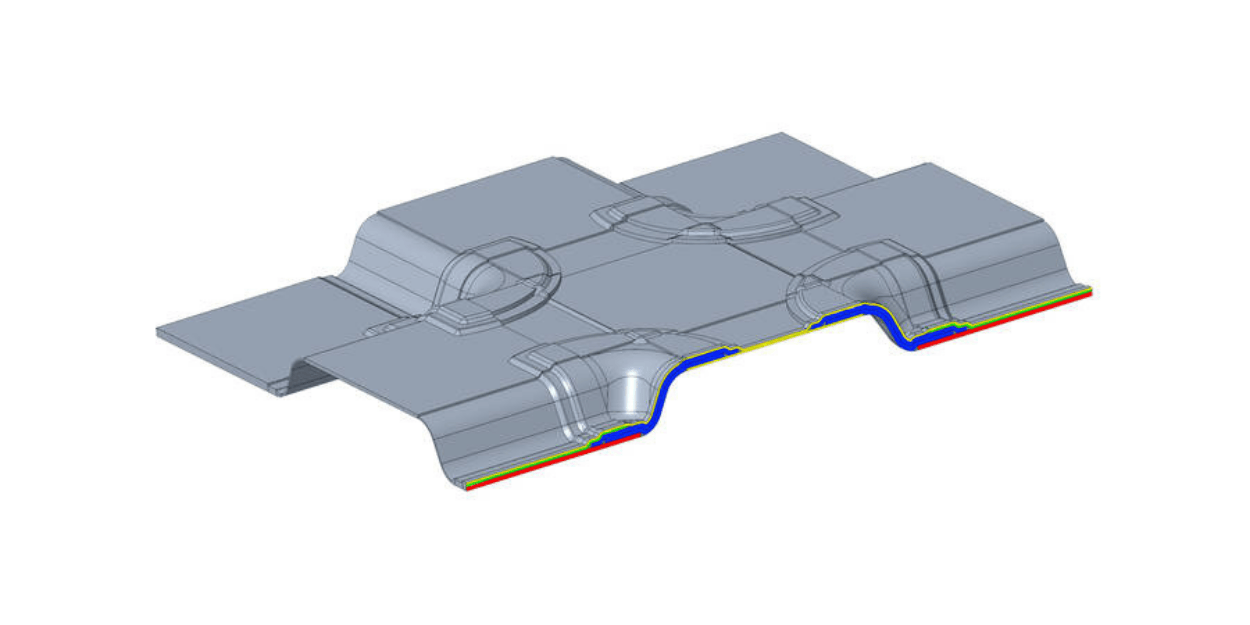
New tools allow you to work faster and more accurately with composite layers. Combining zones also becomes easier, providing extra room for conceptual design.


Simulation & generative design in real time

With AI-driven generative design, you can now also design based on thermal requirements. The updates in Creo Simulation Live and Ansys Simulation make simulation even more powerful and intuitive.


Ready for production from the first design

Creo 12 prepares your design for production, with improvements such as conformal cooling channels and high-speed milling of undercuts.


Creo+ for cloud-based collaboration

Creo+ combines the power of Creo with cloud benefits such as easier licence management, smooth collaboration and access to the latest tools, even alongside your on-premise Creo installation.


Savaco Windchill PLM Buddy

Why we built Windchill PLM Buddy

read more

Satisfied customer speaking: AVR

AVR is a manufacturer of a complete range of high-tech machines for potato cultivation and other tuber and bulb crops. AVR's harvesters are known as leading in the sector; continuous innovation is therefore a constant driving force for the Roeselare-based machine manufacturer. Savaco has been supporting the company for more than 10 years with advice and support for their CAD and PLM software.

Free trial

Try Creo Parametric for 30 days

Do you want to try the best 3D CAD software for free? Sign up for our 30-day trial and get access to the ease of use of PTC Creo design software. Experience for yourself how Creo Parametric can improve your design process!

Contact

Ask us your Creo questions

Zoekt u begeleiding bij complexe ontwerpuitdagingen of zoekt u de juiste licentie? Onze experts helpen u efficiënter te ontwerpen en te innoveren.

Savaco - Engineering & Industry - contact